Thanks, Laura! How I created a thank-you card with Mixbook
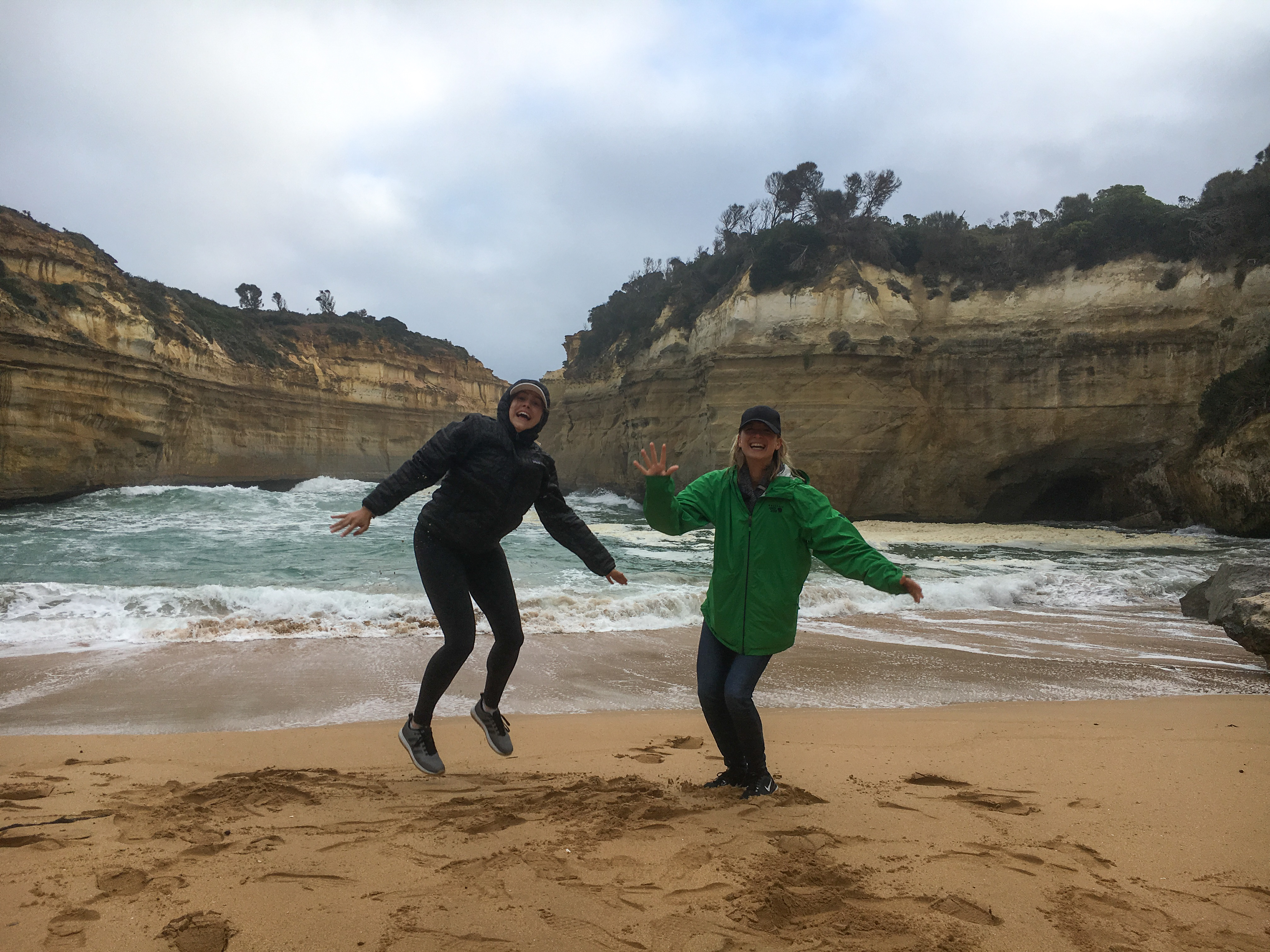
On a recent trip, my friend Kirstin and I visited our mutual friend, Laura, in Australia. She had recently moved to Sydney with her husband, Nick, and I thought it would be the perfect opportunity to visit her and explore a whole new continent! Laura and I have been best friends since high school, and I just couldn’t believe it she moved. Fast forward to a year later, and I was packing my bags, on the way #downunder. We were so lucky to have been able to stay with Laura and Nick for the majority of our 13-day trip! Soon enough, our trip was sadly over, and I really wanted to say thanks.
How could I ever return my thanks for their hospitality?
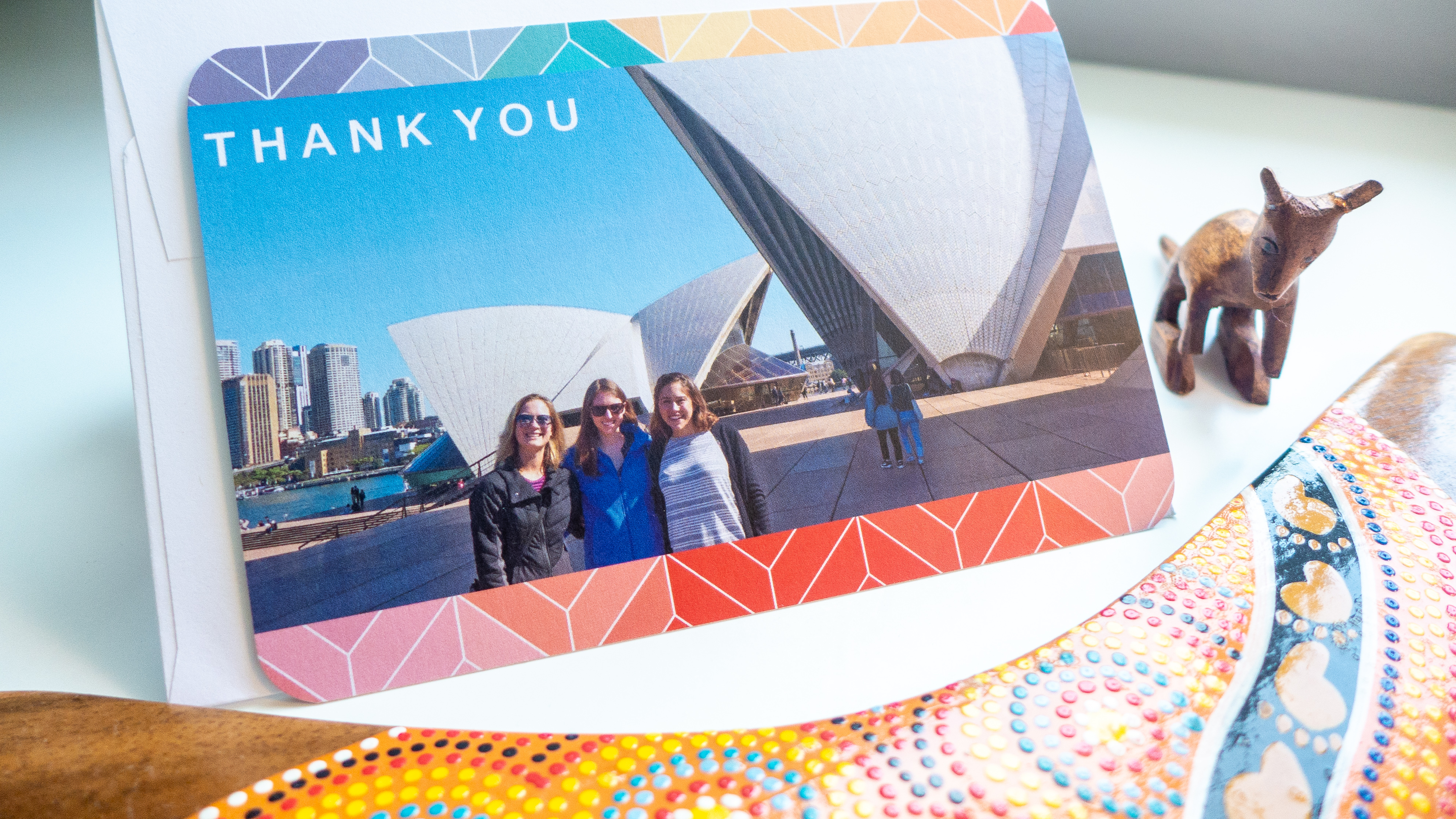
 That’s where Mixbook came in. Nowadays, it’s really hard to send an email, text message, or even a greeting card that feels really thoughtful and personalized. When I had the idea to custom create a thank you card with a photo of us from the trip, I knew that would have the special touch I was looking for. What better way to say thanks than with a photo AND a personalized message?
Creating the thank-you card
I went ahead and started by creating an account on Mixbook.com. If you haven’t heard Mixbook, it’s a site that allows you to create photo products like greeting cards, calendars, prints for home decor, photo books or just photo prints. They have a number of pre-made designs to choose among, so many of which are perfectly on-trend, modern and elegant!
 Choosing a design template
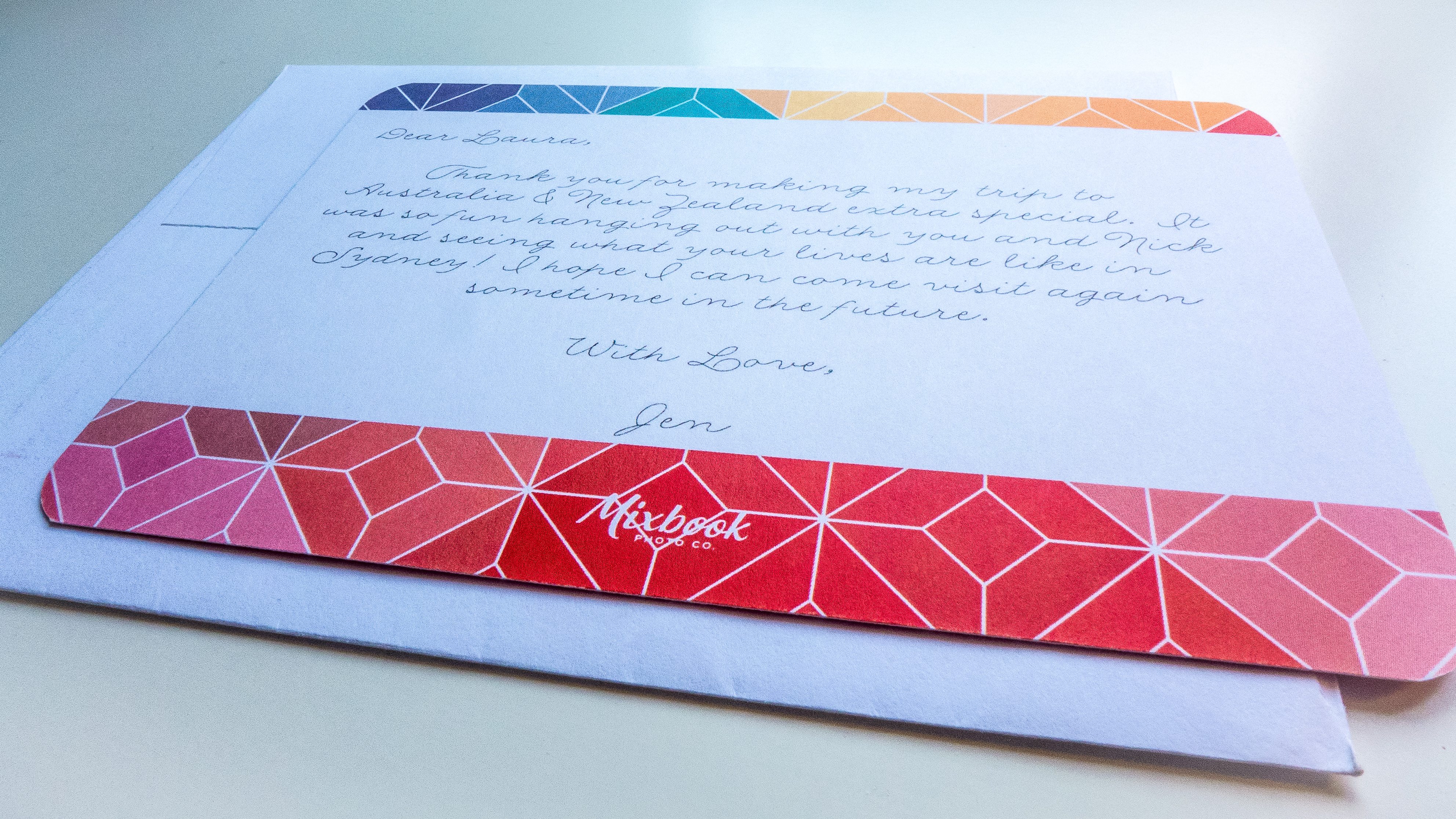
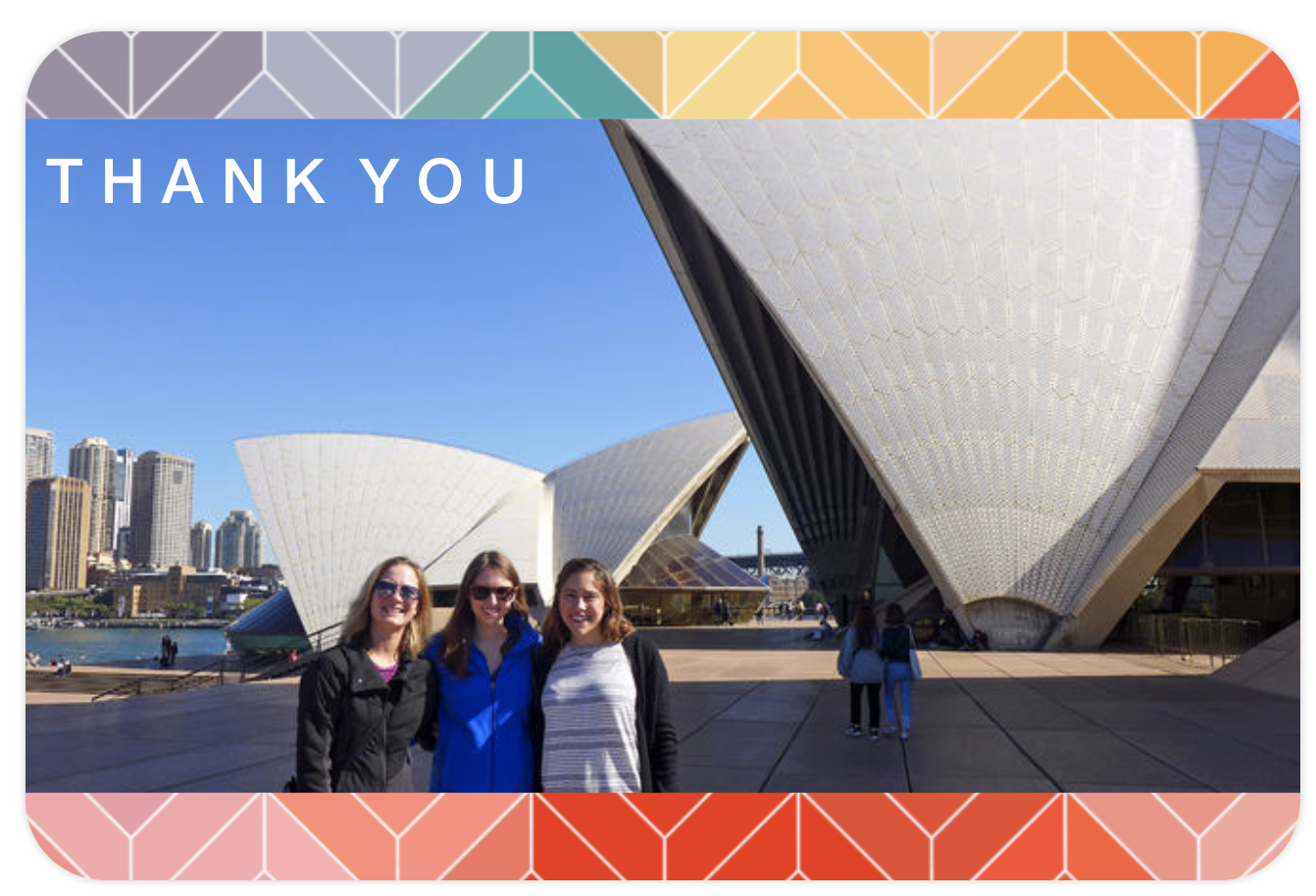
In all honesty, it was my first time ever using Mixbook, so I wasn’t sure what to expect. It turned out to be super easy! I tried out a couple different templates before going with the “Bright Geo Thank You” design. The geometric details on the card’s border brought to mind a cool midcentury modern look, which paired nicely with our photo in front of the Sydney Opera House – a midcentury architectural masterpiece in itself.
All I had to do was upload my photo and write the message I wanted on the back of the card, and that was it! The process was so painless, I couldn’t believe it.
Selecting a font
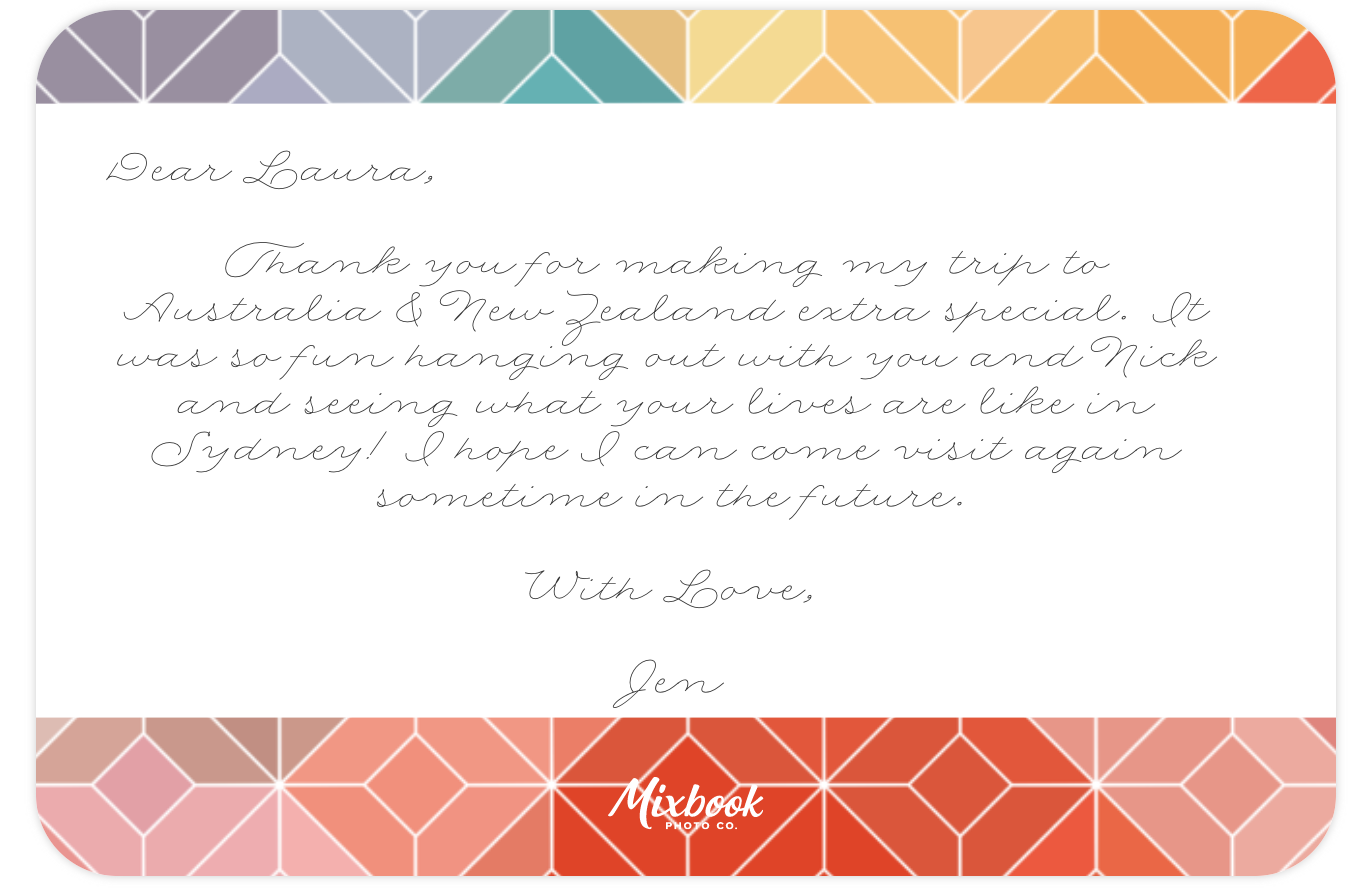
I took some time picking out the right font, looking for a style that looked almost as if it had been handwritten. I have always believed that handwritten notes are so precious because our handwriting holds a certain personality that is completely unique to each person. These days though, it’s really something special to be able to not only send a note that looks handwritten, but also pair it with a personal photo and beautiful design.
I was so pleased that Mixbook had exactly the font I was hoping for. The message totally looks as if it’s handwritten, but it’s much more pretty and neater than my own handwriting, of course 😉
Here’s an actual screenshot of the complete design:
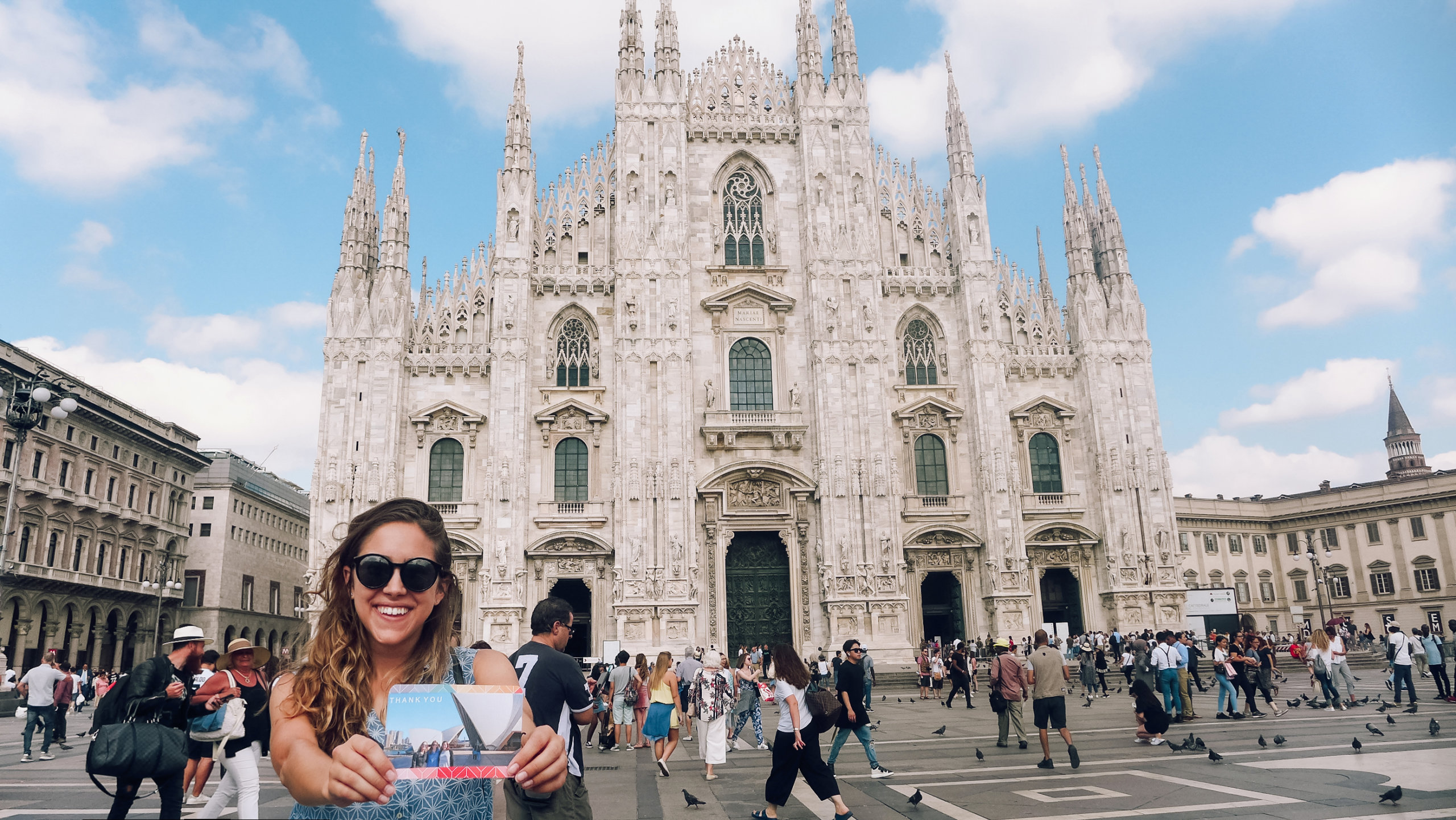
When I received the final card from Mixbook, I was so impressed with the printed quality. It arrived just in time before my trip to Italy, so I thought…. why don’t I bring this along with me? I carried it in my backpack from Los Angeles to London, from London to Rome, and all the way up and down Italy until we reached our final spot, Milan.
Now it’s traveling across the world to Sydney, Australia, to Laura! I can’t wait to hear how she likes the card when she discovers it in her mailbox.
Have you recently visited or stayed with a friend or family member while traveling? Or maybe you stayed with an awesome Airbnb host that you really connected with? If you’re looking for a great way to say thanks, try out creating a custom thank you card on Mixbook!
They even have photo books, too, if you’re looking for a great way to organize and preserve all your precious travel photos.
If you check out Mixbook, let me know what your experience was like in the comments!
