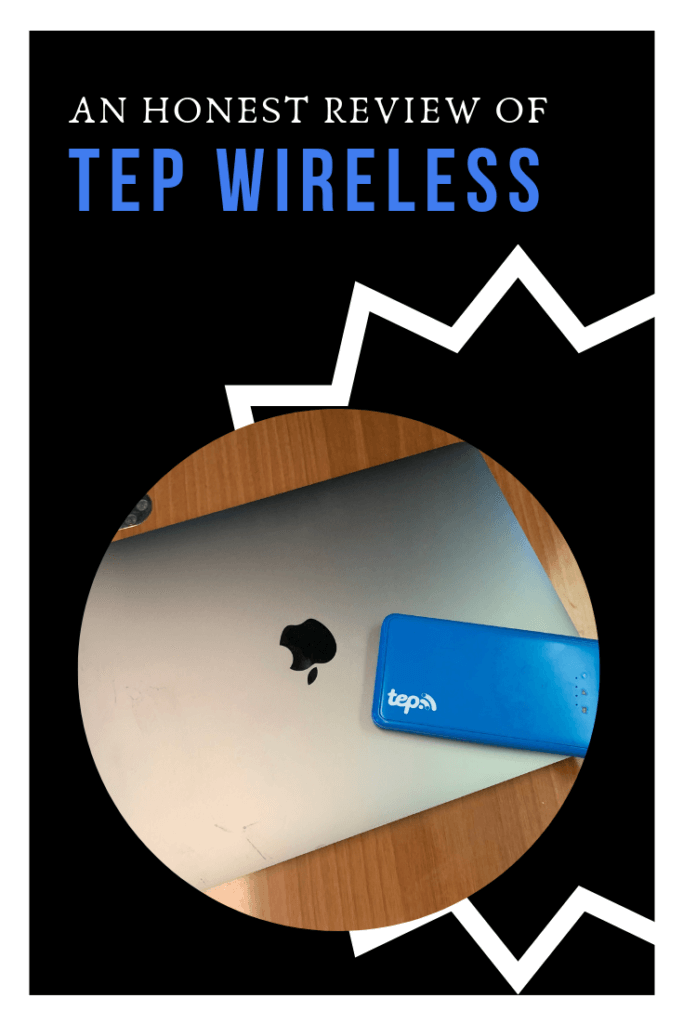

An Honest Review of TEP Wireless
I recently heard of TEP Wireless through another fellow travel blogger. What’s TEP? Do they call it a Teppy? How does this work? What does it do? I had a million questions, and once I had them answered, I wanted to write an honest TEP Wireless review for you all.
Basically, TEP Wireless is a Wi-Fi device that allows you to connect to the Internet as you travel. It works virtually anywhere, and as it’s pocket-sized, you can carry it along with you even if you’re short on space.
After a lot of back and forth and indecision, I decided to purchase a TEP 4G device for my upcoming trip to Europe. I’d be traveling for a month and a half and decided it was too expensive to connect every day using Verizon’s $10/day travel pass, so I sought out another solution.
I also didn’t want to use an international SIM card, since I’d be working while abroad and need to be reachable at my American phone number.
It’s now been just over a week of using it and I’m beginning to form some opinions (both good and bad) about the device.
Prior to ordering my TEP, I had tried to partner with TEP so I could offer my readers a 10% discount if you ordered a TEP. But, the TEP company politely declined my application. Oh well!
If you do decide to order a TEP through one of the links in this blog post, I’ll receive $20 for referring you.
But since I’m (sadly) not partnering with them, I’m still able to give you a 100% honest TEP Wireless review:
The Pros of TEP Wireless

The biggest pro of using my Teppy? It works great when I’m walking around. From Google Maps to Instagram, sending emails and using Safari, my TEP keeps me online with no hiccups.
When I turn it on at first, it takes a minute or two to “get situated” as I like to say, or rather, it takes a little bit of time to figure out where it’s at and connect to Wifi. After that, I have a pretty seamless Wifi connection that allows me to post to my Instagram story in real-time, which I love! Video uploads do take a little longer, but that’s okay with me.
The most important thing is that I always have a live connection when I’m walking around the city, allowing me to send messages on my iPhone and always have access to my GPS. Now I don’t have to worry about getting lost or stranded without access to the Internet!
The load time is usually pretty fast. Sometimes it lags a little bit depending on if I’m in an open area, in a building or underground. My data connection at home is faster, but even still, the connection speed of the TEP is pretty strong most of the time.
I only connect my computer and iPhone to my Tep, but it can connect up to 5 devices at a time.
Another thing I love about using my Teppy is the battery life. The battery lasts about 6 hours, which is pretty good in my opinion. It doesn’t last me all day, but I switch it off during parts of the day when I don’t need it (like during a tour), which saves battery life.
If it does run out on me or if I forget to charge it the night before, I hook it up to my Jackery external battery pack to charge while I’m on the go.
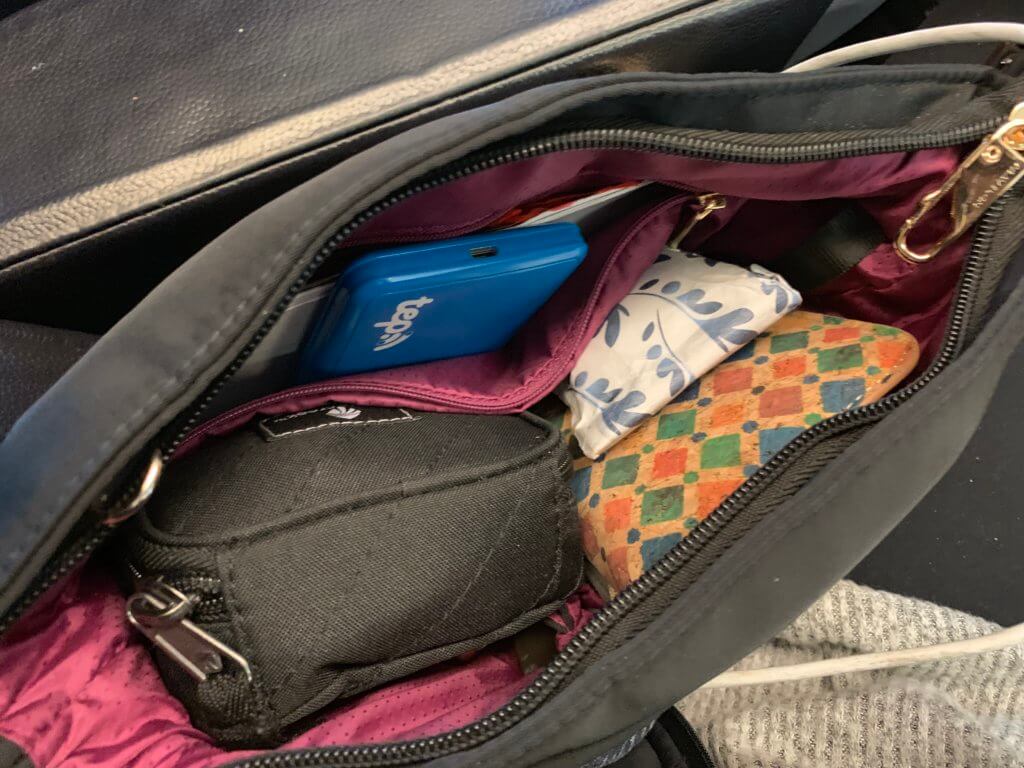
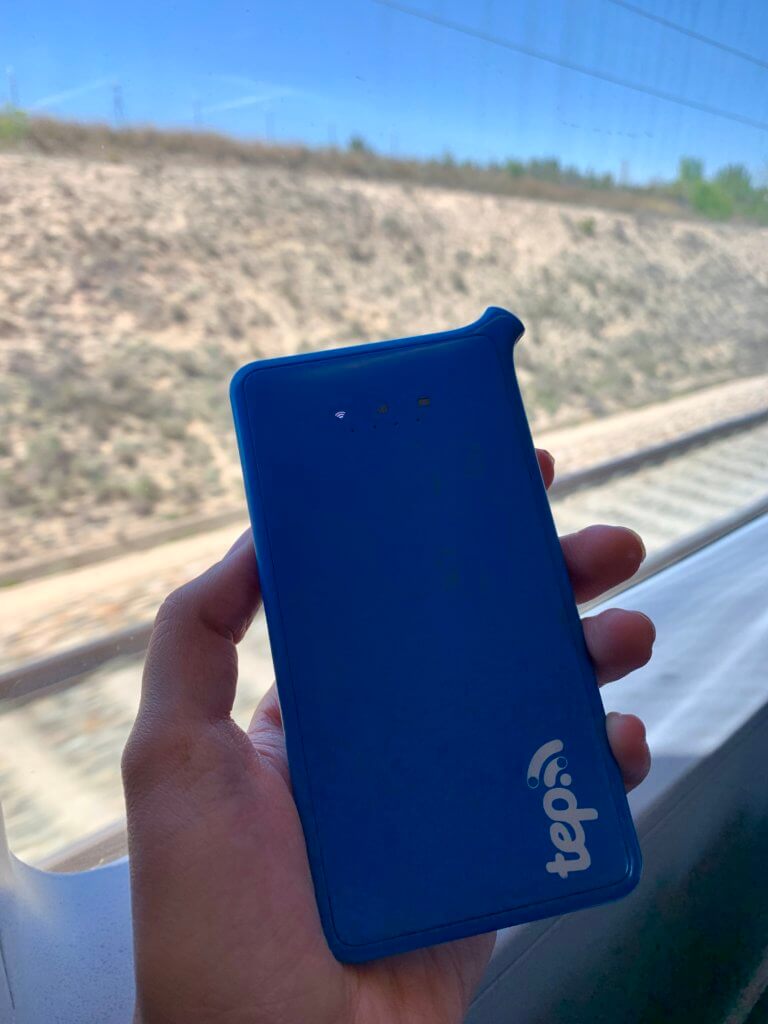
Lastly, the size of the TEP is really nice. It has similar dimensions to the iPhone, so it’s not too hard to slip into a pocket or in the zipper compartment in my purse.
The Cons of TEP Wireless

As much as I love many things about using my TEP device, there are also quite a few cons that I’m not too happy about.
Most importantly, my TEP isn’t working great on high-speed trains or other transit. Connectivity on a train is very, very important for me, since many trains in Europe don’t offer Wifi yet, and I really need to use this valuable, precious time to work on client projects and create content for Jen on the Run readers like you!
When you’re constantly on the go, every spare hour is precious. When you have a 5-hour train ride and aren’t able to get work done because you can’t connect to the internet with the device you paid for, it’s very disappointing. So, this is my biggest complaint about the TEP Wireless device.
Secondly, this could be because I might be a bit tech-challenged, but for me, there was a little bit of a learning curve with figuring out how to use the device properly.
I don’t think the TEP came with clear instructions on how to power it on and off. The first day I had my TEP, I left it powered on all day and was soon left without Wifi when it died on me a few hours later. Oy!
There are three lights on the device: one indicates if it’s connected to WiFi, one has three little bars to indicate the signal strength, and the other is a battery.
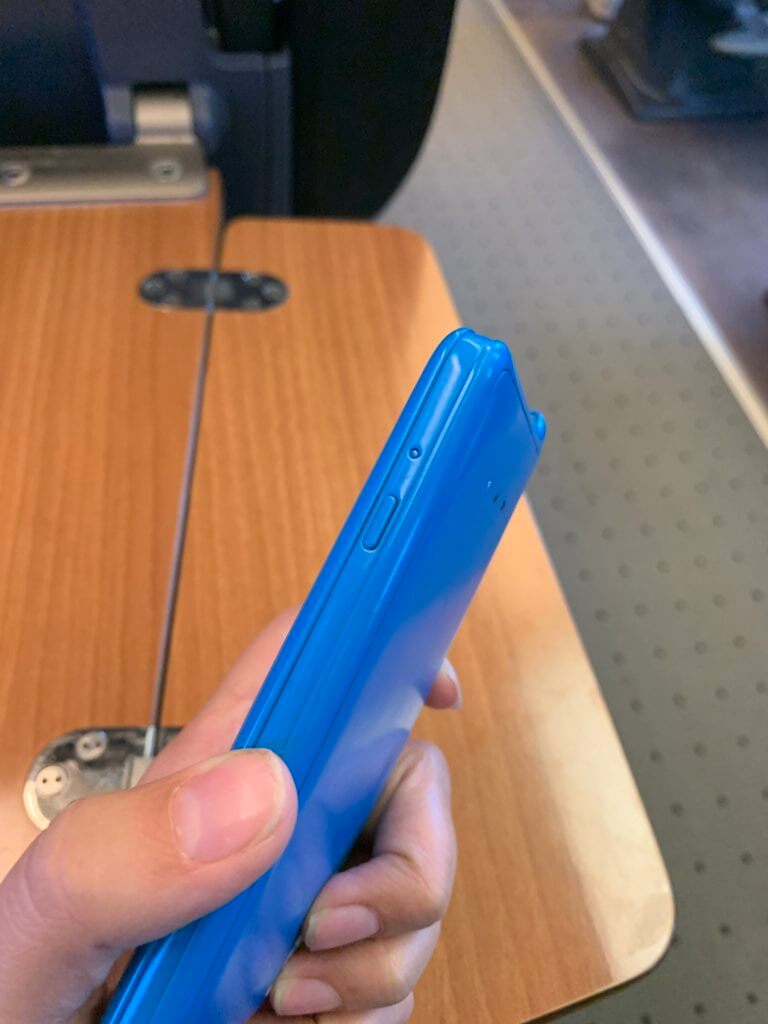
If you’re wondering, here’s how to power the device on and off: Hold the side button down hard until you see the indicator lights gradually light up from left to right, or power down from right to left. Maybe that’s intuitive, but at first I was simply pressing the button once or twice in a row and nothing was happening.
Another point for improvement for the TEP: When I received the device, it came with a clear sticker on the back indicating the network name and password. “That’s easy!” I thought. Not so.
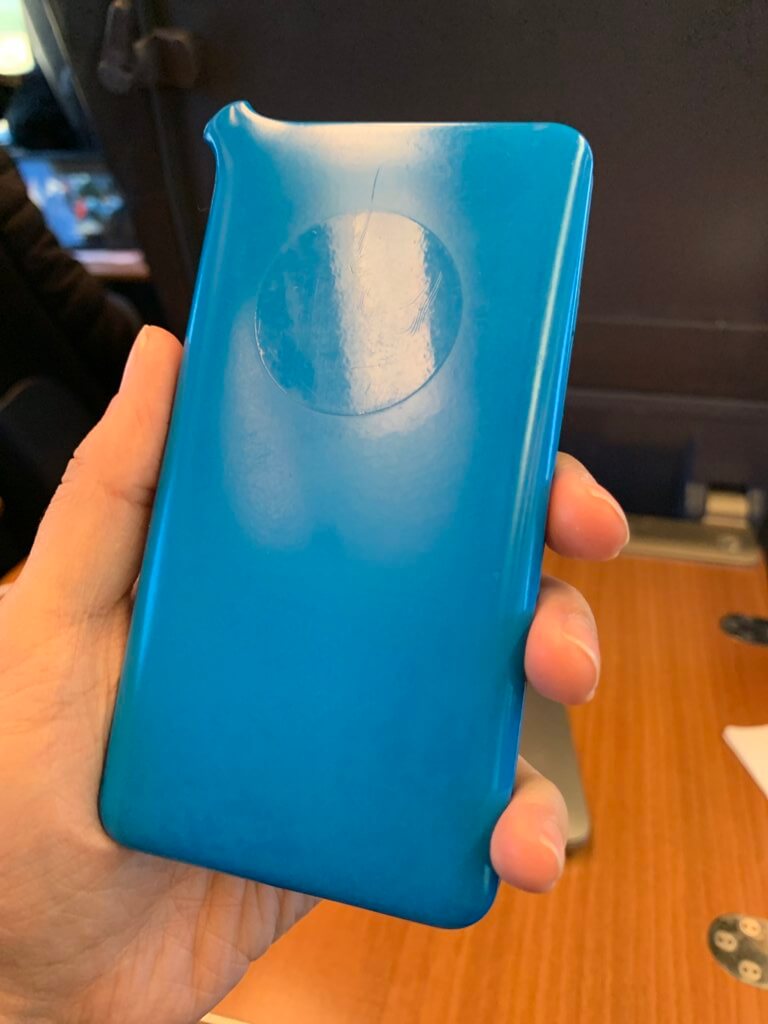
In just a day or two the ink on the sticker had already rubbed off. I wasn’t able to connect my computer to my TEP until I messaged the customer support team with my WiFi password, and luckily they were able to retrieve it. Now I have a screenshot of the password saved so I can access it later.
Lastly, my TEP didn’t come charged. You’re not supposed turn on your TEP device outside of the country it’s intended for, so I landed in Europe not being able to turn it on, which was frustrating. If I had known, I would’ve made sure it was charged before leaving home.
The takeaway: Still get a TEP
Despite a couple hiccups at the start, I still think using my Teppy is great. In all honesty, I am frustrated about the lack of connectivity on the train, but the benefit of always having Wifi access while walking around is huge, with no roaming fees. And, the WiFi is pretty reliable and strong when not in transit.
The savings, too, are another great reason to opt for a TEP Wireless device. There are two options: Renting or purchasing your TEP device.
Cost breakdown
Buying the TEP Wireless device is a smarter way to go if you travel frequently or if you’re going on a long-term trip abroad.
Renting makes sense if you’re going to be traveling for two weeks or less. You have to return the device once you’re done traveling if you rent.
It’s $10.95/day to rent a 4G TEP device, with a maximum data usage of 3G per day.
Or, you can purchase the device. You can either purchase the TEP for $129 and pay as you go. Or, your device is free when you sign up for an unlimited subscription at $99/month.
I decided to purchase my TEP and go with the monthly unlimited subscription based on the 48 days I knew I’d be abroad. Unfortunately, there’s a catch in the fine print when you buy a TEP – you also have to subscribe to unlimited WiFi for a minimum of 3 months. So even if your trip is only 2 months, you’ll still have to pay for a third month which you won’t even use.
Again, the lack of flexibility is frustrating, which prompted me to write this TEP Wireless review.
But, when you compare the cost of renting vs. buying for over 30 days, it still makes sense to sign up for the subscription.
- Renting for 30 days = $328.50
- Purchasing ($129) + pay as you go ($7.95/day) = $367.50
- Purchasing (incl. free device) + 3 month subscription ($99/mo) = $297
Side note: There is a daily data usage limit of 3G/day, but I have yet to reach it despite uploading and viewing videos several times a day.
What do you think of my TEP wireless review? Have you used a TEP device or are you thinking about it? Questions about my experience using a Teppy? Leave me a comment or send me a DM on Instagram.
If you’d like to order a TEP device, you can get more information and access their site here.
Happy travels!
Did you enjoy this post? Pin it!